
Build and edit a blocking
Use a blocking when no built-in topology fits the body and you want to lay out the blocks yourself: a skeleton of hex blocks, edited by commands and premeshed into ordinary blocks.
The recipes below build one case step by step: a unit sphere in a box from -3 to 3, cut into a 3 x 3 x 3 lattice, the centre block removed, an O-grid on the hole, wall-normal lines and a wall layer. Each recipe continues from the previous one. The last two recipes are independent small cases. The whole script runs in about 2 s; it writes sphere.stl and the journal sphere_blocking.journal.py, which shore run replays in about 5 s.
Full script: examples/cookbook/blocking.py. Two helpers in it are used below: block_at(blocking, point) returns the block whose skeleton box holds a point, and min_jacobian(blocks) the smallest scaled Jacobian over every cell.
Split a block at a node
Start from one block around the region and cut it into a lattice.
p = Project()
p.load_geometry("sphere.stl")
p.create_blocking(13, 13, 13, vmin=(-3, -3, -3), vmax=(3, 3, 3))
print(p.blocking.shape("b0"))  # (13, 13, 13): nodes along i, j, k

# Cut at x = -1 and x = +1, then the same along j and k: a 3 x 3 x 3 lattice.
corner = np.full(3, -2.99)
for d, axis in enumerate("ijk"):
    for c in (-1.0, 1.0):
        point = corner.copy()
        point[d] = c
        label = block_at(p.blocking, point)
        pts = p.blocking.points[list(p.blocking.block(label))]
        lo, hi = pts[:, d].min(), pts[:, d].max()
        p.split_blocking(label, axis, (c - lo) / (hi - lo))
print(len(p.blocking.labels()), "blocks")(13, 13, 13)
27 blockssplit_blocking(block, axis, fraction)cuts at noderound(fraction * (n - 1))of the block'snnodes alongaxis. Here 13 nodes over 6 units put a node every 0.5, sox = -1is node 4 exactly.- The cut runs through every block sharing a cut edge (the sheet), so the blocking stays conforming: one
split_blockingalong i cuts the whole slab of blocks. - The low part keeps its label; the high part of each cut block is
b<n>, numbered up over the project. Track blocks by position (asblock_atdoes) rather than by guessing labels. create_blocking(ni, nj, nk, margin=1.0)withoutvmin/vmaxtakes the geometry's bounding box, grown bymargintimes its extent on each side.- Refused (
ParameterError, project unchanged): a fraction outside (0, 1) or one that does not fall on an interior node, a bad axis or block.
Delete a block to make a hole round the body
Associate the centre block's faces with the sphere, then delete the block: its faces become the hole's boundary, which premesh projects onto the body and marks WALL.
centre = block_at(p.blocking, np.zeros(3))
for face in FACES:
    p.associate_blocking(centre, face)  # geometry "body", kind "body"
hole_keys = {p.blocking.entity(centre, face)[0] for face in FACES}
p.delete_blocks([centre])
p.premesh()
blocks = p.mesh.blocks
walls = sum(f.bc.name == "WALL" for b in blocks for f in b.faces())
print(f"{len(blocks)} blocks, {walls} WALL faces")
print(f"min scaled Jacobian {min_jacobian(blocks):.3f}, wall angle {wall_angle(blocks):.1f} deg")26 blocks, 6 WALL faces
min scaled Jacobian 0.699, wall angle 40.8 degassociate_blocking(block, entity)defaults to geometry"body"and kind"body". Edges and vertices of the associated faces inherit the association when their faces agree, so the hole's corners land on the sphere too.- Premesh spaces edges equally, fills faces and blocks by transfinite interpolation, and wires shared faces as SHARED seams (bit for bit), associated boundary faces as WALL, the rest FREE.
- The plain lattice is valid but poor at the wall: the grid lines meet the sphere up to 41 degrees off its normal (the angle printed is the largest between a wall node's first segment and the radius). The next recipe fixes that.
- Deleting every block is refused.
Insert an O-grid around the body
Layer the faces of the hole. Name them as (block, face) pairs: here, the faces of the remaining blocks that coincide with the deleted centre's.
hole = [
    (label, face)
    for label in p.blocking.labels()
    for face in FACES
    if p.blocking.entity(label, face)[0] in hole_keys
]
p.ogrid(faces=hole, factor=0.5, nodes=17)
p.premesh()
blocks = p.mesh.blocks
print(f"{len(blocks)} blocks")
print(f"min scaled Jacobian {min_jacobian(blocks):.3f}, wall angle {wall_angle(blocks):.1f} deg")32 blocks
min scaled Jacobian 0.439, wall angle 5.7 deg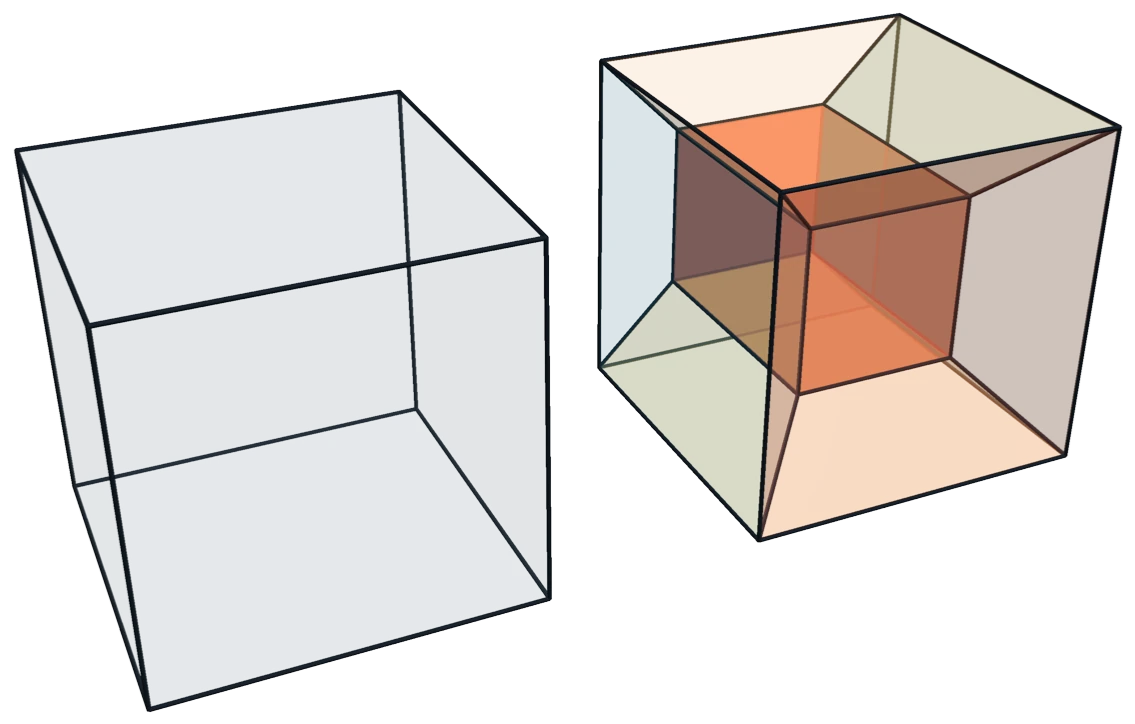
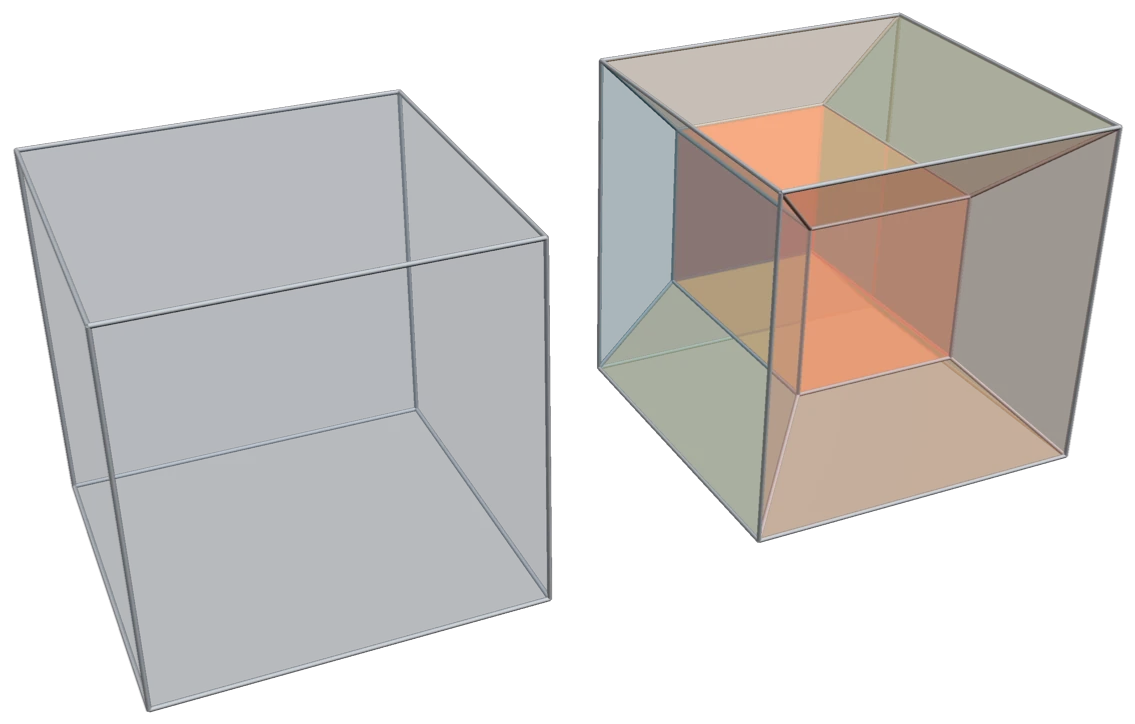
- Each layered face gets a block between it and an inner copy of the face, with
nodesnodes across (17 here, so the wall layer below has room); the six layer blocks bring the count from 26 to 32. factorsets how far the copies move: every vertex of a layered face moves into the set by(1 - factor)times half the sum of its edges that leave the layered faces. Inside one block, the core is the block scaled byfactorabout its centre.- A layered face keeps its association on the layer's outer face, so the wall stays on the sphere.
- Instead of layering the hole, you can O-grid the centre block first, associate its core's faces and delete the core: the same 32 blocks.
To O-grid a single block, or leave one face open (a half-O, for a body on a wall or a symmetry plane):
q = Project()
q.create_blocking(9, 9, 9, vmin=(-1, -1, -1), vmax=(1, 1, 1))
q.ogrid(["b0"], factor=0.5, nodes=4)  # a core b0 and six layer blocks b1..b6
print(q.blocking.labels(), q.blocking.shape("b1"))
q.undo()
q.ogrid(["b0"], exclude=[("b0", "k_lo")], factor=0.5, nodes=4)  # half-O, open on k_lo
print(q.blocking.labels())['b0', 'b1', 'b2', 'b3', 'b4', 'b5', 'b6'] (4, 9, 9)
['b0', 'b1', 'b2', 'b3', 'b4', 'b5']- With
blocksgiven and nofaces, every face on the set's boundary is layered, lessexclude. An excluded (open) face stays in its plane, and its association passes to the layer faces lying on it. - Refused:
factoroutside (0, 1),nodesbelow 2, a face not on the set's boundary, an open face shared with a block outside the set (add that block to the set, or layer the face), nothing left to layer. - Not supported: O-grids through faces shared with blocks outside the set, smoothing of the layer (ADR 0043).
Make grid lines leave the wall along its normal
After premesh, the lines across the wall follow the transfinite interpolation and leave a curved wall obliquely. orthogonalize reshapes them.
p.orthogonalize()  # strength=1.0
blocks = p.mesh.blocks
print(f"min scaled Jacobian {min_jacobian(blocks):.3f}, wall angle {wall_angle(blocks):.1f} deg")min scaled Jacobian 0.439, wall angle 1.9 deg- In every block with exactly one WALL face, each line across the wall becomes a cubic Hermite curve leaving the wall along its normal (tangent
strengthtimes its chord). The wall and the opposite face do not move; the nodes keep their arc-length fractions. - The wall normal is common to every block holding a node, so seams stay closed; neighbours whose faces move are re-filled.
- On the plain 26-block lattice it also helps (41 to below 25 degrees in the acceptance spec), but the O-grid comes first for a body-fitted wall.
- Refused:
strength <= 0, or one that would invert a valid block; the mesh and journal are then unchanged. - Not handled: sharp wall edges (no single normal) and blocks with two or more walls (ADR 0048).
Cluster a wall layer with an absolute first cell
Prescribe the first cell height at the wall; the cells grow geometrically along each wall-normal line.
p.wall_layer(1e-3)
b = next(b for b in p.mesh.blocks if any(f.bc.name == "WALL" for f in b.faces()))
wall = next(f.name for f in b.faces() if f.bc.name == "WALL")
axis = "ijk".index(wall[0])
x = np.moveaxis(b.nodes, axis, 0)
line = x[:, x.shape[1] // 2, x.shape[2] // 2]  # one line across the wall
line = line if wall.endswith("lo") else line[::-1]
steps = np.linalg.norm(np.diff(line, axis=0), axis=1)
print(f"{b.label}: first cell {steps[0]:.2e}, ratio {steps[1] / steps[0]:.3f}")
print(f"min scaled Jacobian {min_jacobian(p.mesh.blocks):.3f}")
p.save_journal("sphere_blocking.journal.py")b27: first cell 1.00e-03, ratio 1.391
min scaled Jacobian 0.439- On every line across the wall of a block with one WALL face, the first cell is exactly
first_steplong and the ratio is solved per line from its length. Here the lines are 0.5 to 1.6 long; with 17 nodes the printed (face-centre) line grows by 1.39 per cell: give the layer more nodes for a gentler growth. There is no growth-ratio limit. - Run it after
orthogonalize: the order ispremesh → orthogonalize → wall_layer(ds). The wall node and the far node stay put; seams stay closed. - It needs a layer topology (an O-grid round the body). On the plain lattice it would invert the corner blocks and is refused, as are a first step
<= 0and one not below a line's uniform spacing. - The layer is algebraic, not marched (ADR 0050). For other spacing laws on an edge, use redistribute after premesh.
Move a vertex, freely or onto the geometry
Move a skeleton vertex to shape the blocks. A free vertex goes where you say; an associated one slides onto its geometry.
r = Project()
r.create_blocking(9, 5, 5, vmin=(0, 0, 0), vmax=(2, 1, 1))
r.split_blocking("b0", "i", 0.5)
r.move_vertex("b0", "v7", (1.2, 1.3, 1.1))  # shared with b1: both follow
print(r.blocking.points[r.blocking.block("b1")[3]])

s = Project()
s.load_geometry("sphere.stl")
s.create_blocking(5, 5, 5, vmin=(-0.5, -0.5, -0.5), vmax=(0.5, 0.5, 0.5))
s.associate_blocking("b0", "k_hi")  # v7 inherits the face's association
s.move_vertex("b0", "v7", (0.3, 0.9, 0.9))
moved = s.blocking.points[s.blocking.block("b0")[7]]
print(moved, f"|x| = {np.linalg.norm(moved):.4f}")[1.2 1.3 1.1]
[0.22562802 0.68167172 0.69153652] |x| = 0.9969- Vertices are
v0..v7inHexBlock.vertices()order (index4 i + 2 j + k, sov7is the(i_hi, j_hi, k_hi)corner). Every block sharing the vertex follows:b1'sv3isb0'sv7. - An associated vertex (its own association, or inherited from its edges or faces) moves to the projection of the point onto the geometry: here onto the facetted sphere STL, hence
|x|slightly below 1. After a geometry edit, replaying the journal re-projects it. - A move is not checked for validity: it can invert a block, and premesh reports nothing. Check with
shore.quality. - Refused: a bad block or vertex name, a face or edge name,
xyzthat is not three finite numbers (ADR 0045).
Notes
- Every command is journaled and undoable (
p.undo()); the journal replays withshore run(Projects). A project loaded without replay has its mesh but no blocking. - The GUI edits the same blocking with picks on the skeleton (GUI reference).
- Not done: merge and collapse of blocks, elliptic smoothing, spacing laws on blocking edges (ADR 0042).
See also
- Blocking: the model, premesh and inheritance.
- Association and Associate with geometry.
shore run→ Blocking: every blocking command.- API:
Project.create_blocking,Project.ogrid,Project.wall_layer,Blocking. - ADRs: 0042, 0043, 0045, 0048, 0050.