
shore gui
The SHORE desktop GUI (ADR 0006, ADR 0037): a viewer and command shell over a project. Every action is a project command, shown as a line of the journal, so a session saved from the GUI replays headless (shore run, Project.load).
Needs the gui extra: pip install 'shore-mesh[gui]' (PySide6-Essentials, pygfx, wgpu, rendercanvas; about 90 MB). Rendering uses the GPU through Metal, Direct3D 12 or Vulkan.
WSL2
Under WSL2, wgpu finds only a CPU adapter, and orbiting a 10⁷-node mesh takes about 160 ms per frame. Run the GUI with native Windows Python.
Synopsis
shore gui [OPTIONS] [PROJECT_DIR]
shore-gui [PROJECT_DIR] [--no-replay]| Argument / option | Description |
|---|---|
PROJECT_DIR | A saved project to open (Project.save, --project). |
--no-replay | Open it from its saved grids without replaying its journal (ADR 0033). |
--smoke | Build the window, show it briefly, print shore gui smoke: N blocks, journal M lines and exit. |
The window
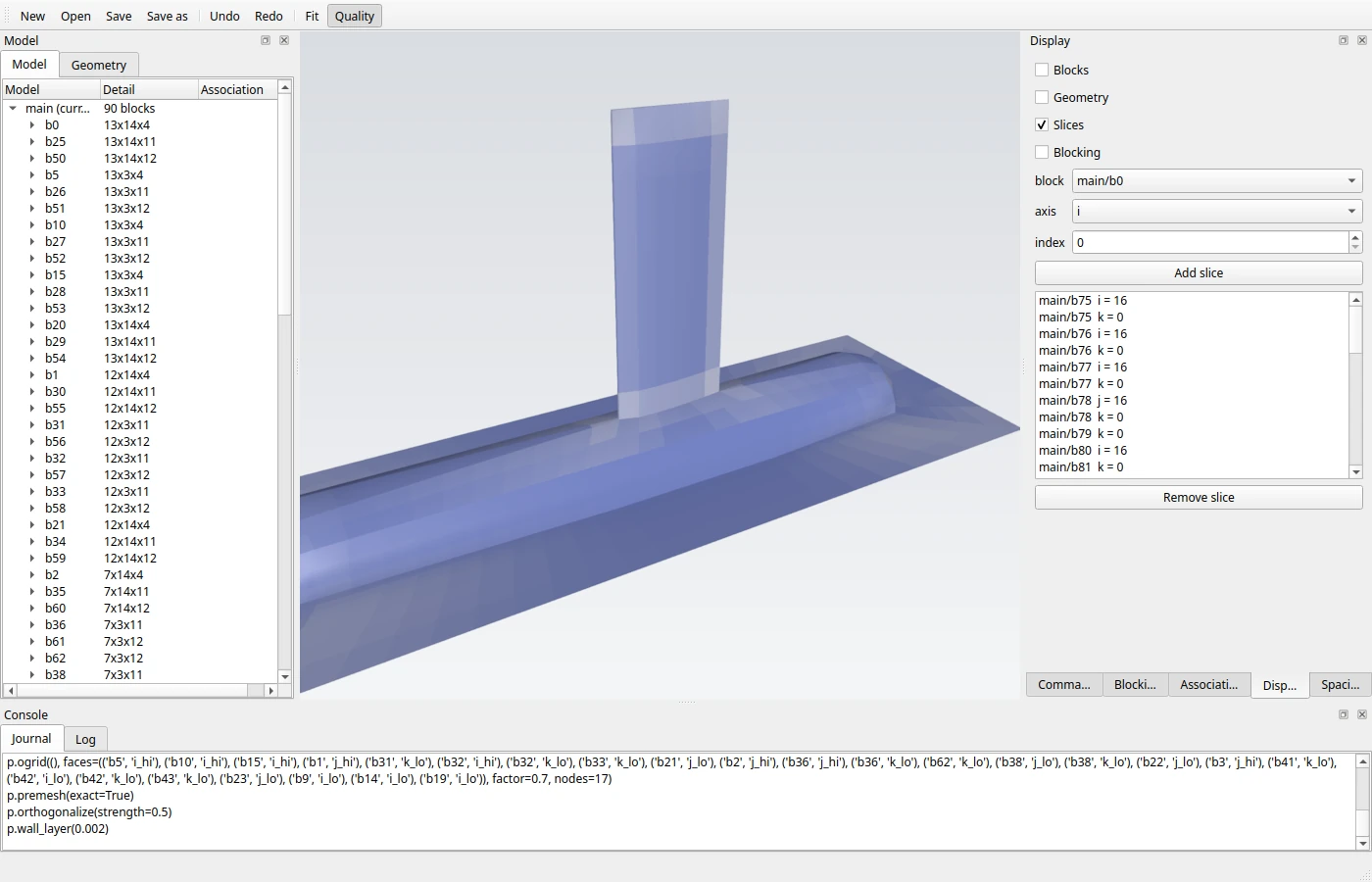
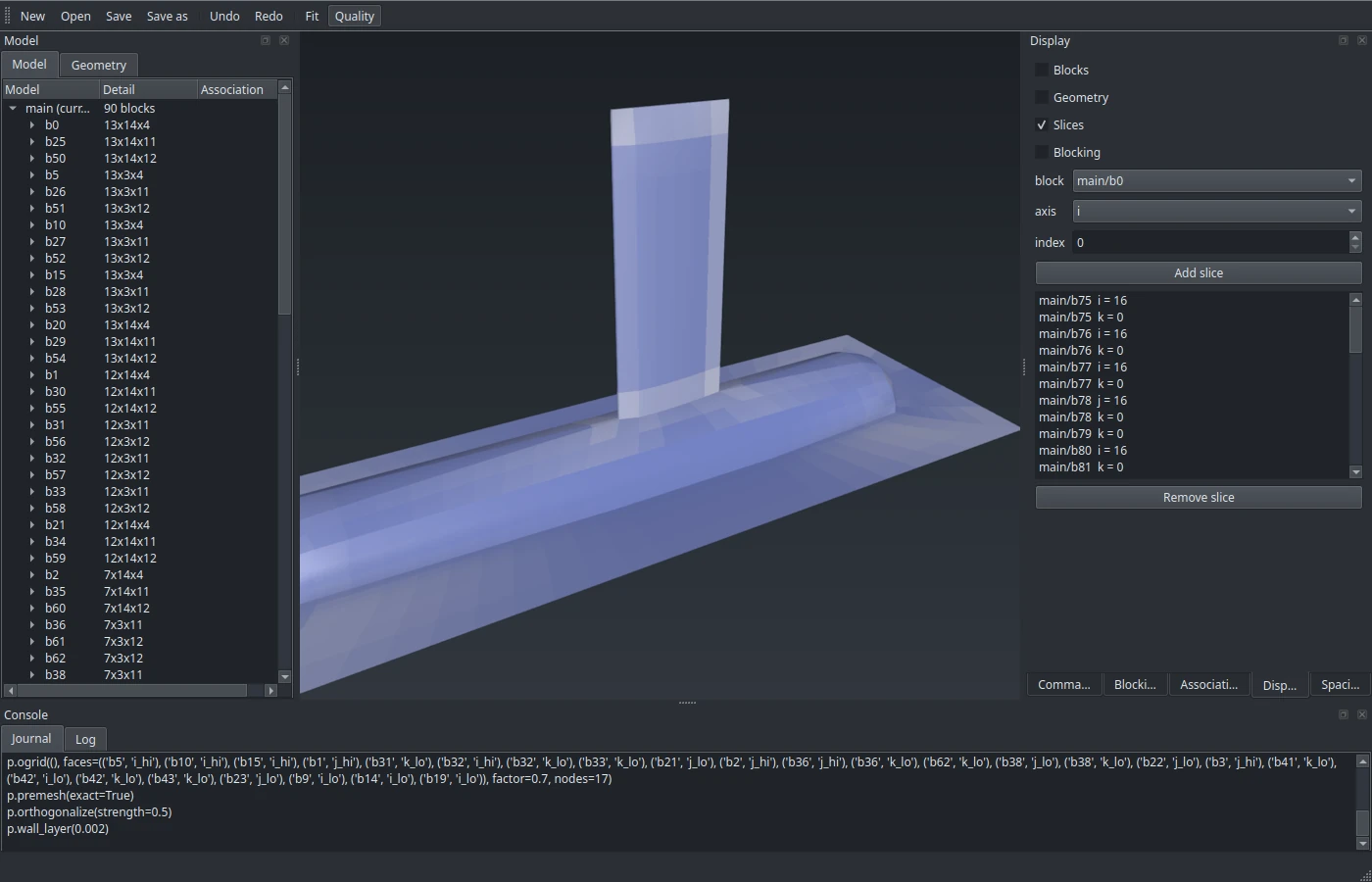
The docks are Qt dock widgets: drag them to rearrange, or close them. The GUI tutorial walks through a session.
| Area | Content |
|---|---|
| Left: Model / Geometry | Model: components (the current one marked), their blocks (label and ni x nj x nk), each block's six faces with their BC and association. Geometry: each loaded geometry with its counts of faces, edges and vertices when it has curves or points (CAD, or an STL with feature curves, ADR 0049), else its triangle count. |
| Centre: viewport | Every block of every component (its six boundary faces and twelve edges), every geometry (triangles; CAD edges and vertices, or an STL's feature curves and points, drawn over the faces) and the slice planes. Orbit with the left button, pan with the right, zoom with the wheel. Double click picks: on a block or slice, the status bar shows component/block, the face (or k=2 for a slice), the cell (i, j, k) and the float64 centre xyz; on a geometry, its name, the entity (surface 3, curve 7, point 2, or the STL body) and the picked point. |
| Right: Command | Every command of the CLI and of the project (ADR 0062), chosen by group (Project, Mesh, Primitives, Bodies and profiles, Xall files, Export, Inspect; or All) and name, or from the Commands menu. Three kinds: the project's commands (load geometry, build topology, march, the blocking commands, write the Xall run with its options TOML, CGNS or Plot3D with components, collar, tip cap, split, load blocks, ...); a form per CLI command (shore mesh, shore primitive box, shore body sphere, shore grd, shore check, ...), with the CLI's options and defaults, run in-process on the open project (the same journal lines and files as the command line, its output in the log); and Run journal / View file (shore run / shore view). Field tooltips are the CLI's help. Run executes it. The long ones go on a one-thread worker pool with a progress bar in the status bar; the toolbar and Run are disabled meanwhile. Cancel stops a march (the mesh is left as before); the other long commands cannot be cancelled. A failing CLI command is rolled back: the project is left as it was. |
| Right: Display | Show or hide blocks, geometries, slices and the blocking. Slices: pick a block, an axis and a node index, Add slice; the list shows them, Remove slice drops the selected one. Display settings are not commands: they do not enter the journal and are not saved (ADR 0038). |
| Right: Association | Select block (face / edge / vertex): a double click on a block selects the picked face, its nearest edge or its nearest corner. A double click on a geometry selects its entity; with shift it adds another of the same geometry and kind (several surfaces, a curve chain). Associate links the block entity with the geometry entities (p.associate(...) in the journal; the block's component is made current first if needed); Clear association removes it. Then run Snap to geometry to move the nodes. The model tree's third column shows each face's association, and associated edges and vertices are listed after the faces (ADR 0039). |
| Right: Spacing | Acts on an edge selected in the Association dock's edge mode: shows its axis, node count, length, and first and last cell. Pick a law (uniform, tanh, tanh2, pinned) and its parameters (beta, default 3.0; cluster at; first and last step; interior law for pinned); Redistribute runs p.redistribute(...), carried through the shared faces (ADR 0041). |
| Right: Blocking | The blocking's skeleton is drawn as orange lines over the blocks, each edge with its nodes (ADR 0042). Select edge / face / block / vertex: in face, block and vertex mode a purple marker sits at each face's or block's centre or at each vertex, drawn over everything (ADR 0044). A double click on an edge or marker selects it; with shift it is added, or removed if already selected; the selection survives mode changes. Split here cuts through the picked edge node (p.split_blocking). O-grid (factor, nodes) runs p.ogrid with the selected blocks as the set (all blocks when none is selected) and the selected faces as the layered faces: select a hole's faces for a layer around a body. Delete blocks deletes the selected blocks; in vertex mode, Move vertex moves the one selected vertex to the typed x, y, z and Move vertex to geometry pick to the last double-clicked geometry point (p.move_vertex, onto its association if it has one, ADR 0045); Associate with geometry associates each selected face or edge with the geometry selected in the Association dock (p.associate_blocking); Clear selection empties the selection. The Display dock's Blocking box hides skeleton and markers. |
| Bottom: Console | Journal: the project's journal, one line per command. Log: what ran, and errors. |
| Toolbar | New, Open…, Save, Save as…, Undo, Redo (standard shortcuts), Fit, Quality (colours each boundary face and slice quad by the scaled Jacobian of its cell over [−1, 1]: red at −1, white at 0, blue at 1, so every non-positive cell is red to white). |
Structured arguments are typed as Python literals. For example, Build topology takes {'ni': 33, 'nj': 64} for the ray-cast topologies, and {'ni_body': 60, 'ni_wake': 15, 'n_stations': 4, 'wake_length': 10.0} for the C-grid. Build primitive takes the primitive's parameters.
Precision
Positions stay in float64 on the CPU. The GPU receives them relative to a floating origin that follows the view, and they are re-uploaded when the view moves far ("rebase"). Wall cells of 10⁻⁶ at 10³ from the origin therefore display and pick exactly, and picked coordinates come from the float64 nodes.
Python
from shore.gui.session import Session          # Qt-free: Session.run("march"), undo, open, save
from shore.gui.window import MainWindow, main  # the window; main(project=None, replay=True)