
Collar at a junction
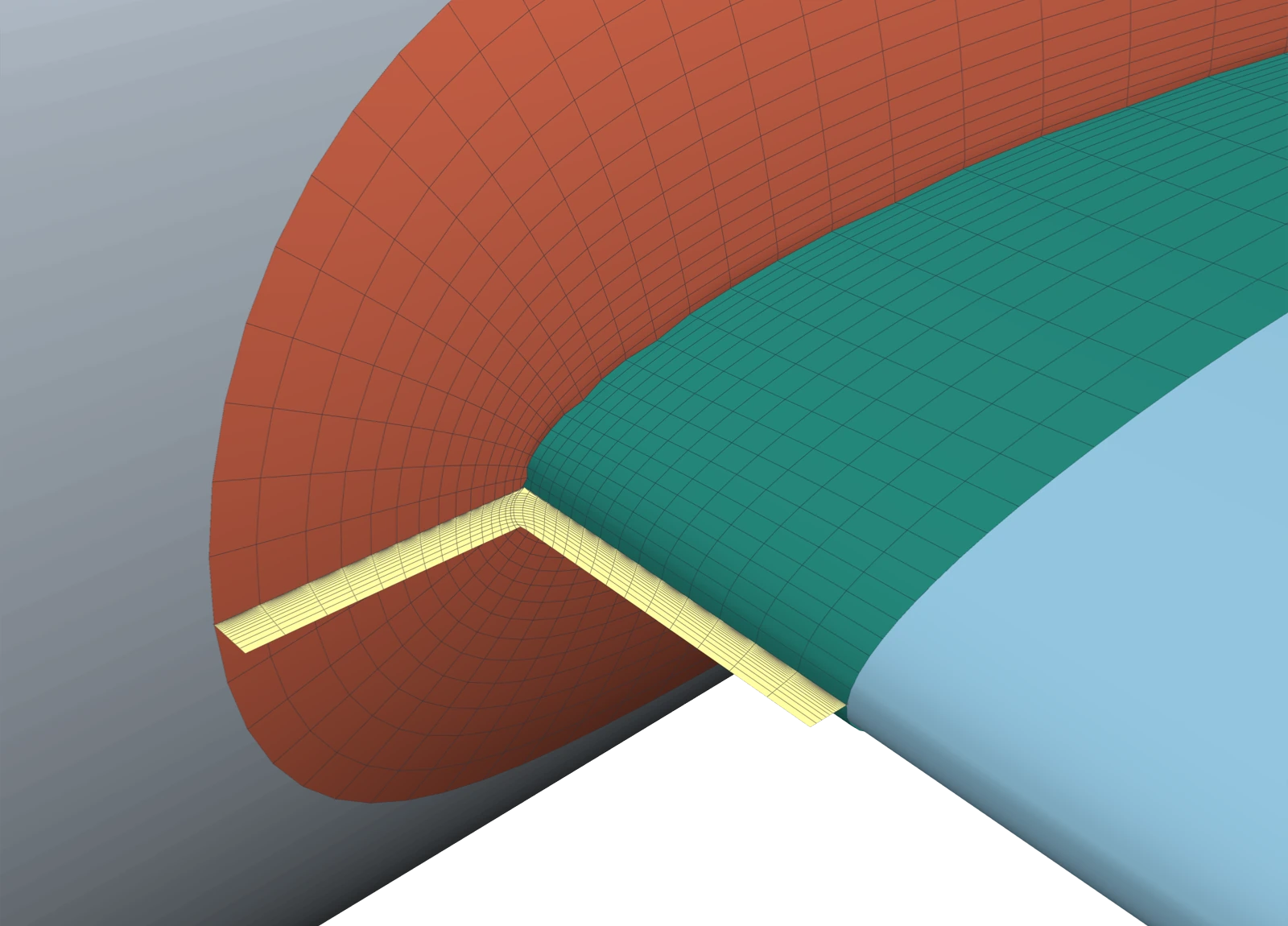
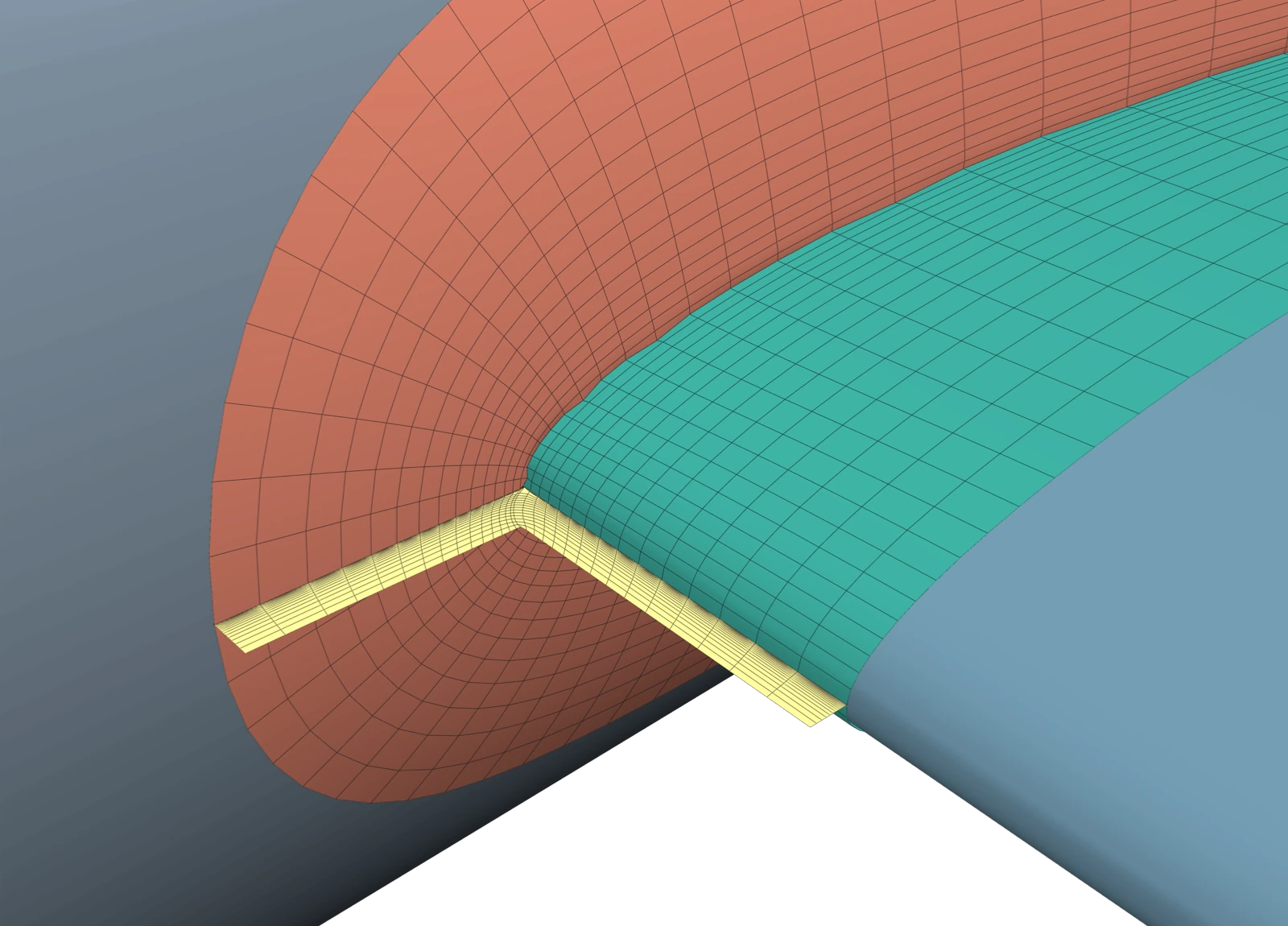
Where two bodies meet (a wing on a fuselage, a strut through a plate), the near-body grids of each body overlap badly in the corner. A collar is a Chimera block that sits on both bodies along their intersection curve and resolves the corner itself. In this tutorial you build a full collar round a post through a plate, a half collar on a symmetry plane, a collar with curvature-clustered loop nodes, and a split collar at a sharp trailing edge, and you learn which parameters keep the block valid.
You need
- SHORE installed (
pip install shore-mesh); no extras. - About 20 s for the whole script
examples/tutorials/collar.py.
1. Make the two bodies
Body A is a 4 × 4 × 1 box with its top face at z = 0; body B is a post of radius 0.5 that pierces it. Their intersection is a circle of radius 0.5 on the top face.
# body A: a 4 x 4 x 1 box, top face at z = 0; body B: a post of radius 0.5 through it
box = trimesh.creation.box(extents=(4.0, 4.0, 1.0))
box.apply_translation((0.0, 0.0, -0.5))
post = trimesh.creation.cylinder(radius=0.5, height=1.6, sections=96)
post.apply_translation((0.0, 0.0, 0.2))
box.export("box.stl")
post.export("post.stl")
2. Build the full collar
Project.build_collar traces the intersection curve from a seed point near it, marches surface grids away from the curve on both bodies, and extrudes a volume from that wall (ADR 0010). Body A is the project's loaded geometry (geometry="body" by default); body B is a file path or the name of another loaded geometry.
p = Project()
p.load_geometry("box.stl")  # geometry "body": body A, where m_a layers march
p.build_collar(
    "post.stl",  # body B: a file path (or the name of a loaded geometry)
    seed=(0.55, 0.0, 0.02),  # a point near the junction: selects the curve
    n_loop=48,  # nodes round the junction curve
    ds_surface=0.01, growth_surface=1.12, m_a=12, m_b=12,  # surface layers on A and B
    ds_wall=1e-4, growth_wall=1.2, nk=25,  # wall-normal layers
)  # fmt: skip
block = p.mesh.blocks[0]
print("full collar:", block.label, block.nodes.shape,
      f"min scaled Jacobian {min_jacobian([block], periodic=True):.3f}")  # fmt: skip
print("faces:", {f.name: f.bc.name for f in block.faces()})
p.write_geo("collar")
The parameters, as the block uses them:
| Parameter | Meaning | Here |
|---|---|---|
seed | a point near the junction; selects which intersection curve | (0.55, 0, 0.02) |
n_loop | nodes along the junction curve (j) | 48 |
ds_surface, growth_surface | first surface step away from the curve and its growth | 0.01, 1.12 |
m_a, m_b | surface layers on A and on B (i) | 12, 12 |
ds_wall, growth_wall, nk | wall-normal steps ds_wall * growth_wall**k, nk of them | 1e-4, 1.2, 25 |
Output:
full collar: collar (25, 48, 26, 3) min scaled Jacobian 0.517
faces: {'i_lo': 'FREE', 'i_hi': 'FREE', 'j_lo': 'FREE', 'j_hi': 'FREE', 'k_lo': 'WALL', 'k_hi': 'FREE'}
The block has m_b + m_a + 1 = 25 nodes in i: from B's far edge through the junction row i = m_b to A's far edge. j runs round the loop and is periodic (the seam node is not repeated, as in an O-grid), so the j-faces are not boundaries. k leaves the wall. Only k_lo is a wall; the other faces are Chimera (FREE) boundaries.
The same collar from the command line writes collar.geo, byte-identical to p.write_geo("collar"):
shore collar box.stl post.stl --seed 0.55 0 0.02 --n-loop 48 \
    --ds-surface 0.01 --growth-surface 1.12 --m-a 12 --m-b 12 \
    --ds-wall 1e-4 --growth-wall 1.2 --nk 25 \
    -o collar --adjacency-json collar.adjacency.json
Body A is the first argument: the --m-a layers march on it. With --project DIR the collar goes into component collar of a project instead of (or as well as) a .geo file; see Projects and replay.
3. Build a half collar on a symmetry plane
On a half model the intersection curve is open: it starts and ends on the symmetry plane. plane=(point, normal) traces the curve on the seed's side, holds both ends of the surface grids on the plane, and marks the block's j-faces SYMMETRY (ADR 0011, ADR 0013). Open half-model STL files are not watertight, hence skip_hygiene=True and the silenced warnings.
# the half model: the box and the post cut at y = 0, the plane y = 0 a symmetry plane
hbox = trimesh.creation.box(extents=(4.0, 2.0, 1.0))
hbox.apply_translation((0.0, 1.0, -0.5))
hbox.update_faces(~np.all(np.isclose(hbox.vertices[hbox.faces][..., 1], 0.0), axis=1))
hpost = post.copy()
hpost.update_faces(hpost.triangles_center[:, 1] > 0.0)
for mesh in (hbox, hpost):
    mesh.remove_unreferenced_vertices()
hbox.export("hbox.stl")
hpost.export("hpost.stl")

h = Project()
with warnings.catch_warnings():
    warnings.simplefilter("ignore")  # open half-model STL files are not watertight
    h.load_geometry("hbox.stl", skip_hygiene=True)
    h.build_collar(
        "hpost.stl",
        seed=(0.45, 0.2, 0.02),  # on the y > 0 side
        n_loop=25,
        ds_surface=0.01, growth_surface=1.12, m_a=12, m_b=12,
        ds_wall=1e-4, growth_wall=1.2, nk=25,
        plane=((0.0, 0.0, 0.0), (0.0, 1.0, 0.0)),  # (point, normal)
    )  # fmt: skip
half = h.mesh.blocks[0]
print("half collar:", half.nodes.shape, f"min scaled Jacobian {min_jacobian([half]):.3f}",
      "j-faces:", half.face("j_lo").bc.name, half.face("j_hi").bc.name,
      f"off the plane {np.abs(half.nodes[:, [0, -1], :, 1]).max():.1e}")  # fmt: skip
h.write_geo("half")
h.write_adjacency("half.adjacency.json")half collar: (25, 25, 26, 3) min scaled Jacobian 0.517 j-faces: SYMMETRY SYMMETRY off the plane 0.0e+00The j-faces lie on the plane y = 0 exactly, and cc.par writes them with natural-BC code 2. With the CLI, add --plane 0 0 0 0 1 0. When the curve meets the plane obliquely (more than 1 degree off its normal) SHORE warns: the faces are still on the plane, but the cells there are skewed.
4. Distribute the loop nodes
By default the loop nodes are equally spaced in arc length. Round a thin, rounded section that leaves few nodes at the narrow ends. loop_curvature clusters nodes where the curve bends, with adjacent cells kept within 1.2× of each other, and loop_law applies a Spacing1D law on top (ADR 0020). Here a 1 × 0.2 elliptic post:
# an elliptic post (1 x 0.2): uniform nodes leave too few at its narrow ends
ellipse = trimesh.creation.cylinder(radius=1.0, height=1.6, sections=256)
ellipse.apply_scale((0.5, 0.1, 1.0))
ellipse.apply_translation((0.0, 0.0, 0.2))
ellipse.export("ellipse.stl")

e = Project()
e.load_geometry("box.stl")
steps = {
    "seed": (0.0, 0.11, 0.02), "n_loop": 96, "ds_surface": 0.005, "growth_surface": 1.12,
    "m_a": 15, "m_b": 15, "ds_wall": 5e-5, "growth_wall": 1.2, "nk": 30,
}  # fmt: skip
e.build_collar("ellipse.stl", **steps)
print(f"ellipse, uniform loop: min scaled Jacobian {min_jacobian(e.mesh.blocks, True):.3f}")
e.undo()
e.build_collar("ellipse.stl", **steps, loop_law="tanh2", loop_beta=2.0, loop_curvature=1.0)
print(f"ellipse, curvature 1 : min scaled Jacobian {min_jacobian(e.mesh.blocks, True):.3f}")
e.write_geo("ellipse")ellipse, uniform loop: min scaled Jacobian 0.145
ellipse, curvature 1 : min scaled Jacobian 0.166On this STL post the uniform loop is already valid. On the analytic ellipse with ADR 0010's thicker steps and 128 nodes, the uniform loop gives a minimum scaled Jacobian of 0.008 and curvature 1 gives 0.23: try loop_curvature=1 for any rounded section. A circle stays uniform at any weight. CLI: --loop-law tanh2 --loop-beta 2 --loop-curvature 1.
5. Split the collar at a sharp corner
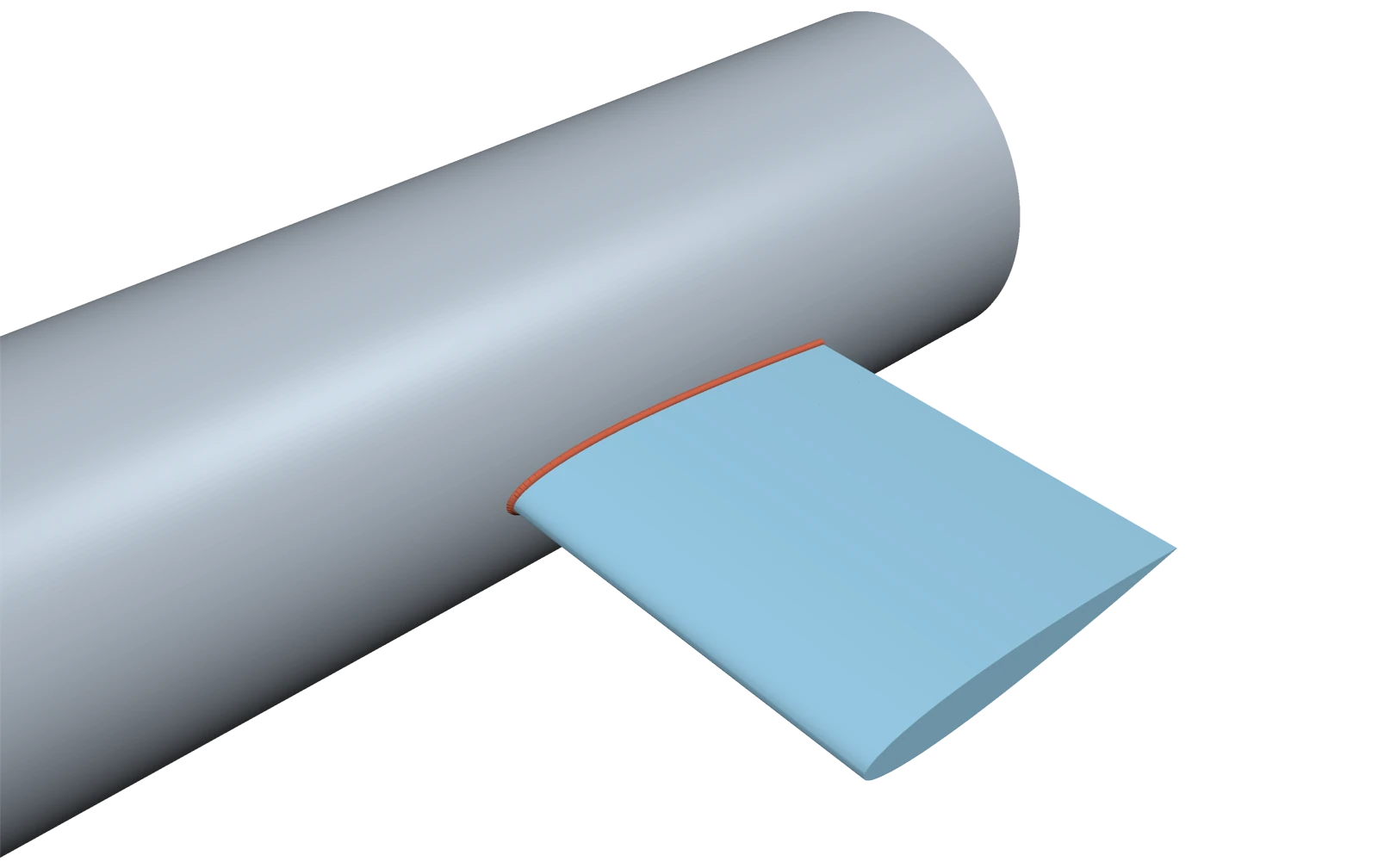
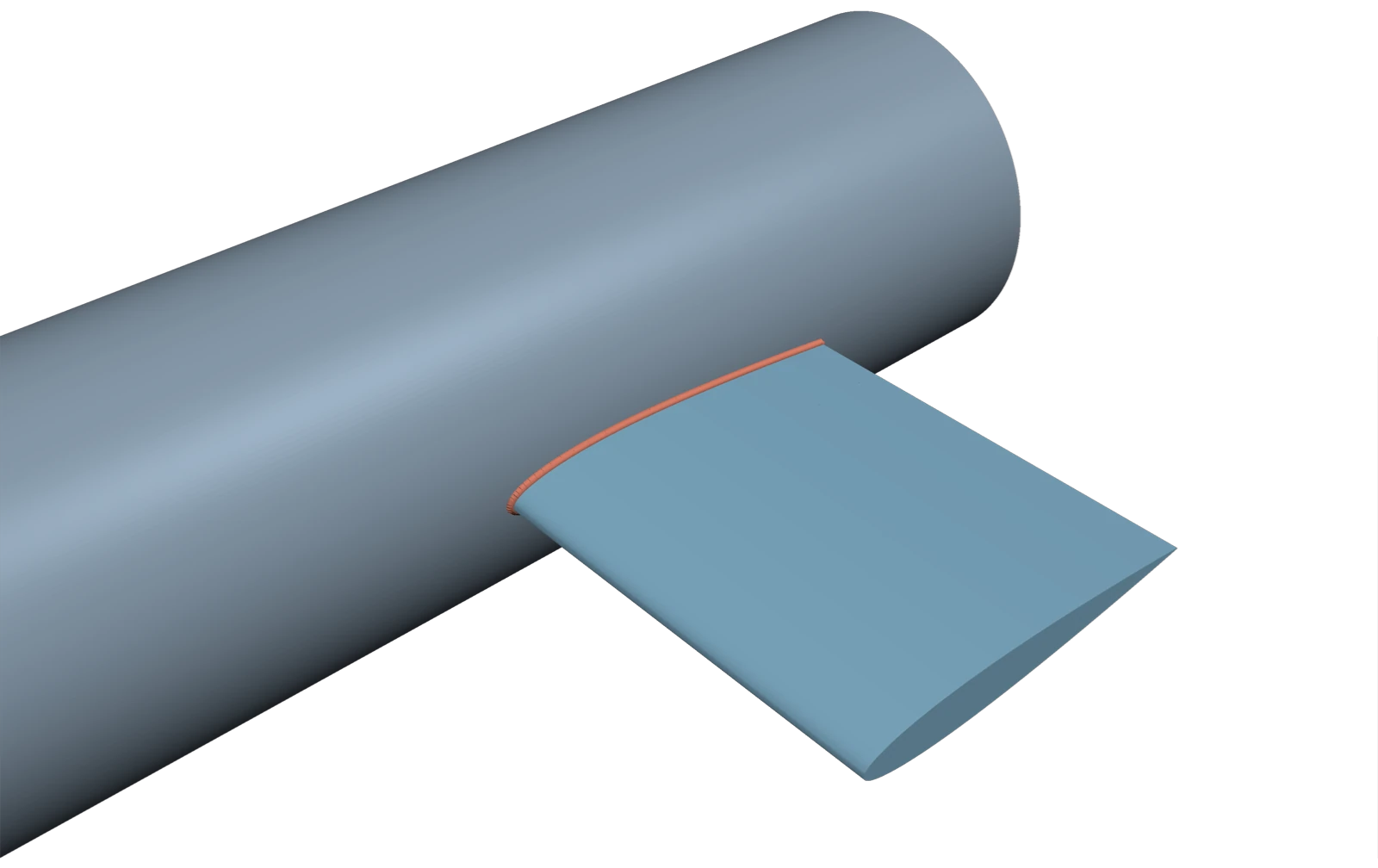
A sharp trailing edge turns the junction curve by about 164 degrees. The surface grid on the plate cannot turn round it, and the single block folds. split=True cuts the loop at every corner sharper than 105 degrees, runs a wake line on body A behind it, and builds six blocks per piece, joined across the wake sheet by a SHARED seam as in a C-grid (ADR 0024).
# a NACA 0012 wing with a sharp trailing edge through a plate: the junction turns 164 deg there
section = naca("0012", n_pts=80, closed_te=True)
wing = extrude_section(section, span=1.0, n_stations=2, span_axis="z", end_caps=True)
wing.apply_translation((0.0, 0.0, -0.3))  # chord along x from 0 to 1, through z = 0
plate = trimesh.creation.box(extents=(4.0, 4.0, 1.0))
plate.apply_translation((0.5, 0.0, -0.5))
plate.export("plate.stl")
wing.export("wing.stl")

options = {
    "seed": (0.5, 0.06, 0.0), "n_loop": 96,
    "ds_surface": 0.005, "growth_surface": 1.12, "m_a": 15, "m_b": 15,
    "ds_wall": 5e-5, "growth_wall": 1.2, "nk": 20,
}  # fmt: skip
w = Project()
w.load_geometry("plate.stl")
w.build_collar("wing.stl", **options)  # one block: folds at the sharp trailing edge
one = w.mesh.blocks[0]
folded = int((scaled_jacobian(np.concatenate([one.nodes, one.nodes[:, :1]], axis=1)) <= 0).sum())
print(f"single block: {folded} folded cells")
w.undo()
w.build_collar("wing.stl", **options, split=True)  # cut at the trailing edge
print("split collar:", len(w.mesh.blocks), "blocks,",
      f"min scaled Jacobian {min_jacobian(w.mesh.blocks):.3f}")  # fmt: skip
print("labels:", [b.label for b in w.mesh.blocks])
w.write_geo("wing")single block: 14 folded cells
split collar: 6 blocks, min scaled Jacobian 0.180
labels: ['collar_0_wake_lo_b', 'collar_0_body_b', 'collar_0_wake_hi_b', 'collar_0_wake_lo_a', 'collar_0_body_a', 'collar_0_wake_hi_a']Labels read <label>_<piece>_<wake_lo|body|wake_hi>_<b|a>: the wake before the corner, the piece, the wake after it, on B (up to the junction row) or on A. The wake length defaults to the collar's width on A (wake_length=, --wake-length). With -o wing the CLI writes one wing_<label>.geo per block. --split works on closed loops only, not with --plane; without a sharp corner it gives the single block.
6. Know what fails
The collar is valid on the junctions the specs cover: plane, cylinder and sphere pairs at 12 junction spacings thick, the box and post above, NACA wings through a plate. Outside them:
| Situation | What happens | What to do |
|---|---|---|
| Convex corners (≤ 90°) on a thick collar | Valid with the default smoothed volume (ADR 0025, ADR 0026) | Nothing; volume="stations" reproduces older grids and folds there |
| Concave corners at about 5 junction spacings thick and more, a blunt trailing edge's base | A few cells still fold | Make the collar thinner there |
| Strong curvature clustering at corners (e.g. n_loop 384) | Walls valid, but the volume folds when 100× thicker than the corner spacing, and the march can take minutes (ADR 0028) | Keep the collar thinner than about 10× the smallest loop spacing at corners, or cluster less |
| Concave notch in body A | A's surface grid collapses on the bisector when marched deeper than the notch allows (ADR 0030) | Keep m_a × the surface steps small there |
| Very thick collars at junctions sharper than 90° | Out of the specs' scope | Check scaled_jacobian and reduce nk or growth_wall |
Always check the block: count the cells with a scaled Jacobian ≤ 0, closing the periodic j-seam as min_jacobian does in the script.
What you learned
- A collar block is the junction curve, two surface grids marched from it (one per body) and a volume extruded from that wall.
seedpicks the curve;m_a/m_band the surface steps set the width on each body;nkand the wall steps the thickness.plane=builds the half collar of a half model, with SYMMETRY j-faces.loop_curvatureandloop_lawplace the loop nodes;split=Truehandles corners sharper than 105 degrees.- The collar's limits are in the corners: keep it thin there.
Next
- Projects and replay: put the collar and the body grids into one project and one Xall run.
- Collar blocks, Intersection curves and Surface marching: how it works.
shore collar: every option.- Half models and symmetry.