

E1. Running a script
Goal: a gnuplot script you already have, run by foresight, and kept running in gnuplot too.
gnuplot
# one script for gnuplot and foresight: the terminal chosen by what the program has
if (strstrt(GPVAL_TERMINALS, 'html') > 0) {
   set terminal svg size 600,360    # foresight: html, svg, pdfcairo, cairolatex, dumb, block
   set output 'pe01.svg'
} else {
   set terminal pngcairo size 600,360           # gnuplot
   set output 'pe01.png'
}
set title 'Bessel functions'
set xlabel 'x'
set key top right
set samples 200
plot [0:20] besj0(x) title 'J_0(x)', besj1(x) title 'J_1(x)' dt 2, besy0(x) title 'Y_0(x)' dt 3
console
$ foresight pe01_both.gp
foresight: pe01.svg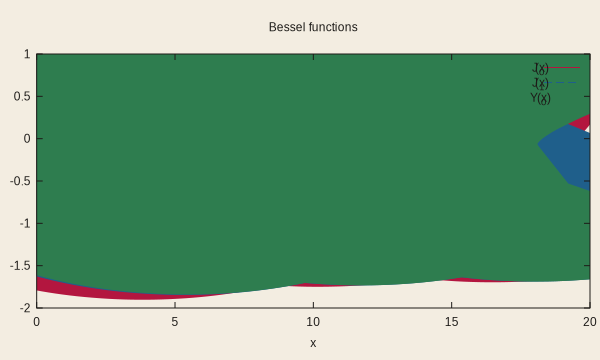
gnuplot pe01_both.gp runs the same file and writes pe01.png with gnuplot's pngcairo.
Why it works
foresight SCRIPTreads gnuplot 6.0's command language: the sameset,plot,splot,fit,stats, the same expressions, functions (besj0,besy0, ...) and enhanced text (J_0), abbreviations included.GPVAL_TERMINALSlists the terminals of the program that runs the script;htmlis foresight's alone, sostrstrt(GPVAL_TERMINALS, 'html') > 0tells the two apart.-eruns commands before the script (foresight -e "set logscale y" run.gp),-cpasses arguments asARG1...ARG9, asgnuplot -c; withoutset outputthe output is the script's name with.html, or-o FILE.
Try this
foresight -c pe01_both.gpwith an argument read asARG1in the title:set title ARG1.foresight --watch pe01_both.gp: the script runs again whenever it or its data change (B2).
Pitfalls
- A terminal foresight does not have (
pngcairo,qt,wxt,x11) stops the script at its line: choose the terminal as above, or leave it to the command line (foresight -o plot.svg script.gp). pause -1waits for a line on the standard input, as in gnuplot: a script meant for a batch job should not have it (pause mouseonly writes its message: there is no window to click).
Reference: Command Line, gnuplot subset. Next: E2. Terminals and outputs.