

Zotero Integration
MOSAIC can push search results directly into your Zotero library — either through the Zotero desktop local API (no configuration needed) or the Zotero web API (works without the desktop app, from any machine).
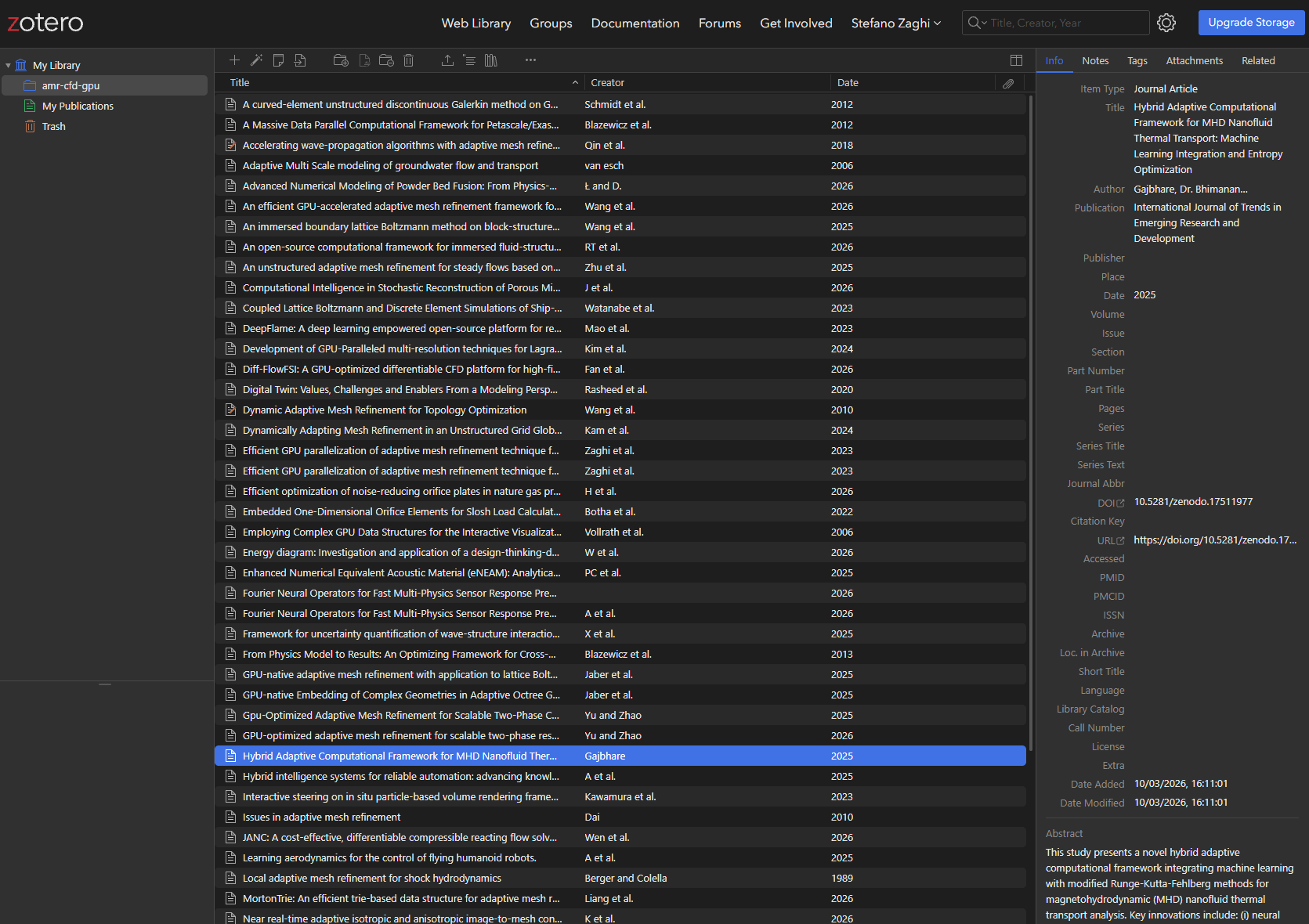
Quick start — local API
- Open Zotero on your computer.
- Run any MOSAIC command with
--zotero:
mosaic search "attention mechanism" --oa-only --zotero
mosaic search "diffusion models" --zotero --zotero-collection "My Papers"
That's it — no API key, no configuration. MOSAIC talks to Zotero over http://localhost:23119.
Quick start — web API
Use this when Zotero is not running locally, or when working on a remote machine.
1. Get a Zotero API key
Go to zotero.org/settings/keys, create a key with read/write permissions for your personal library (or a specific group), and copy it.
2. Configure MOSAIC
mosaic config --zotero-key YOUR_API_KEYMOSAIC automatically fetches and caches your Zotero user ID — you never need to look it up.
3. Use normally
mosaic search "protein folding" --zotero --zotero-collection "Structural Biology"Options
All three --zotero* options are available on search, similar, and get:
| Option | Description |
|---|---|
--zotero | Push results to Zotero |
--zotero-collection TEXT | Add to this collection (created automatically if missing) |
--zotero-local | Force the local API even when a web API key is configured |
Examples
# Push search results to the default library
mosaic search "CRISPR gene editing" --oa-only --zotero

# Push to a named collection
mosaic search "transformer architecture" --zotero --zotero-collection "Transformers 2024"

# Download PDFs and link them in Zotero (local mode only)
mosaic search "diffusion models" --download --zotero --zotero-collection "Generative AI"

# Find similar papers and push to Zotero
mosaic similar 10.48550/arXiv.1706.03762 --zotero --zotero-collection "Related Work"

# Bulk-import a BibTeX file
mosaic get --from refs.bib --zotero --zotero-collection "Imported"

# Single DOI — download and push
mosaic get 10.48550/arXiv.1706.03762 --zotero
PDF attachment
When you combine --download and --zotero in local mode, MOSAIC links each downloaded PDF as a child attachment of its Zotero item. Zotero stores an absolute path to the file — no bytes are copied, so there is no storage duplication.
# PDF is downloaded to ~/mosaic-papers/ AND linked in Zotero
mosaic search "neural ODEs" --download --zotero --zotero-collection "ODE Papers"
Note: PDF attachment is not yet available in web API mode (v1). The paper metadata and URL are always exported; the PDF link is local-only for now.
Mode selection
| Scenario | Mode used |
|---|---|
No zotero.api_key in config | Local API (Zotero must be running) |
zotero.api_key set | Web API |
zotero.api_key set + --zotero-local flag | Local API (forced) |
Troubleshooting
Zotero is not running
Start the Zotero desktop app, or configure the web API key:
mosaic config --zotero-key YOUR_KEYZotero web API not reachable
Check that:
- Your API key has write permissions for your library
- You haven't reached the Zotero API rate limit (100 requests/s)
mosaic config --showshows the correctapi_keyunder[zotero]
Collections not appearing
Collections are created automatically on first use. If a collection doesn't show up in Zotero, try syncing: Edit → Sync with Zotero Server (or the sync button in the toolbar).