Examples
Full examples (repository)
The repository ships ready-to-build example presentations under the examples/ directory, together with a helper script that drives all builds. Clone the repo, install MaTiSSe, then use the script from the repository root.
git clone https://github.com/szaghi/MaTiSSe.git
cd MaTiSSe
pip install -e .
examples/build.sh — the build script
examples/build.sh is a self-contained Bash script that knows how to build every example in the repository.
Usage (from the repository root):
  examples/build.sh                  # build all examples
  examples/build.sh <name>           # build one example by name
  examples/build.sh --list           # list available example names
  examples/build.sh --help           # show full help
Build everything at once:
examples/build.shBuild a single example by name:
examples/build.sh getting-started
examples/build.sh reveal-quickstart
examples/build.sh themes/solarized-dark
List available names:
examples/build.sh --listOutput:
Available examples:
  getting-started
  reveal-quickstart
  reveal-scientific
  themes/beamer-antibes
  themes/beamer-berkely
  themes/beamer-berlin
  themes/beamer-madrid
  themes/matisse
  themes/sapienza
  themes/solarized-dark
Each built presentation lands in examples/<name>/out/index.html.
getting-started (impress.js)
A comprehensive feature tour of MaTiSSe — the same presentation that was used to write the original documentation. Demonstrates the full impress.js theme system: canvas, headers, footers, sidebars, overtheme overrides, TOC slides, figures, boxes, tables, notes, columns, video, and code listings.
examples/build.sh getting-started
# or manually:
matisse build \
  -i examples/getting-started/getting_started.md \
  -o examples/getting-started/out/ \
  --toc-at-subsec-beginning 2
Open examples/getting-started/out/index.html in a browser. Navigate with arrow keys or spacebar; use the mouse to pan the 3D canvas.
Note: this example uses
$include()internally (formetadata.yamlandtheme.yaml). The paths are relative to the working directory, so all commands must be run from the repo root.
reveal-quickstart (reveal.js)
A minimal, heavily annotated introduction to the reveal.js backend. Covers slide structure, LaTeX math, syntax-highlighted code, the $box and $columns environments, and speaker notes via $note.
examples/build.sh reveal-quickstart
# or manually:
matisse build \
  -i examples/reveal-quickstart/quickstart.md \
  -o examples/reveal-quickstart/out/ \
  --backend reveal
Open examples/reveal-quickstart/out/index.html in a browser.
| Key | Action |
|---|---|
Space / → | Next slide |
← | Previous slide |
O | Overview mode |
S | Presenter view (speaker notes) |
F | Full screen |
Press S to open the presenter view and read the speaker notes — each
$noteblock is rendered as an<aside class="notes">element.
reveal-scientific (reveal.js)
A realistic 14-slide computational fluid dynamics conference talk. Demonstrates: full metadata, multi-chapter structure, heavy LaTeX (PDEs, algorithms), Python and Fortran code listings, $table convergence and scaling tables, $box theorem blocks, $columns side-by-side layouts, and speaker notes on every slide.
examples/build.sh reveal-scientific
# or manually:
matisse build \
  -i examples/reveal-scientific/talk.md \
  -o examples/reveal-scientific/out/ \
  --backend reveal
Open examples/reveal-scientific/out/index.html in a browser.
themes/ — built-in theme showcase
A single shared source (examples/themes/talk.md) is built once per built-in theme so you can compare them side by side.
# Build all theme variants
examples/build.sh themes/beamer-antibes
examples/build.sh themes/beamer-berkely
examples/build.sh themes/beamer-berlin
examples/build.sh themes/beamer-madrid
examples/build.sh themes/matisse
examples/build.sh themes/sapienza
examples/build.sh themes/solarized-dark
examples/build.sh themes/dracula

# or build all of them in one go
examples/build.sh| Theme | Layout | Palette |
|---|---|---|
beamer-antibes | Triple header (title / section / subsection) | Navy / white |
beamer-berkely | Left sidebar + header | Blue / white |
beamer-berlin | Triple header + double footer | Navy / white |
beamer-madrid | Header + rich segmented footer | Blue / white |
matisse | Right sidebar + header + footer | Sky blue / white |
sapienza | Header + footer | Crimson / white |
solarized-dark | Left sidebar + header + footer | Solarized dark |
dracula | Left sidebar + header + footer | Dracula dark |
Inline snippets
Quick copy-paste examples to get started with MaTiSSe.
Build any snippet by saving it to a .md file and running:
matisse build -i source.md -o output/Then open output/index.html in a browser.
Minimal presentation
---
title: Hello World
author: Your Name
---
---
theme_slide_global:
  width:  900px
  height: 600px
---

$titlepage

# Introduction

## Overview

#### First Slide

This is a simple presentation using matisse.

Inline math: $E = mc^2$

Display math:

$$
x = \frac{-b \pm \sqrt{b^2 - 4ac}}{2a}
$$
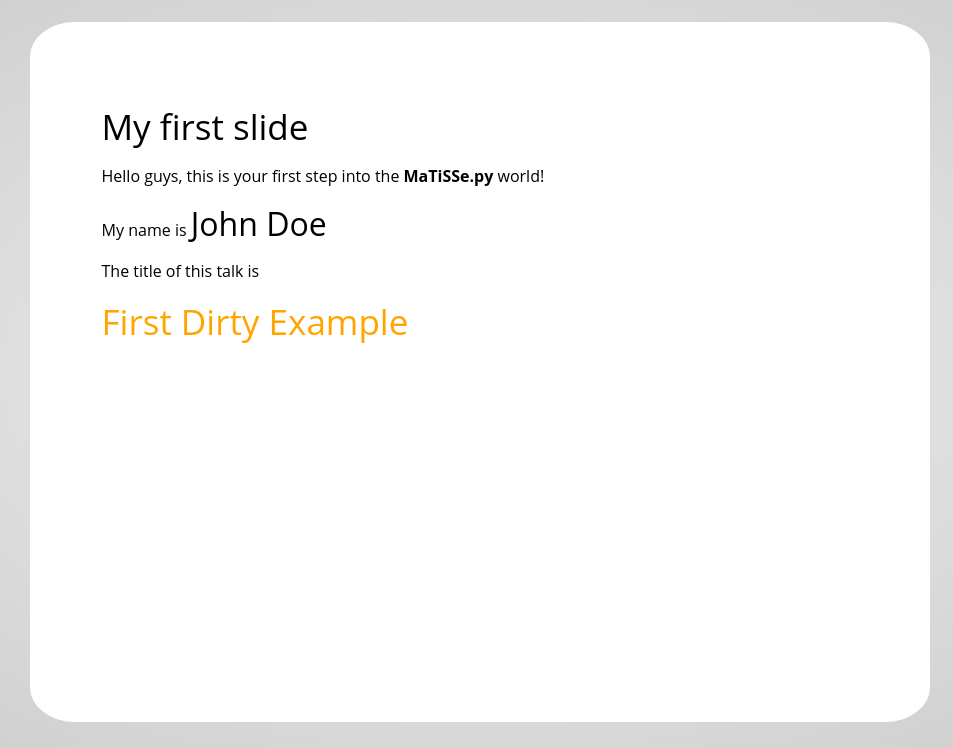
Output preview:
Scientific talk
---
title: Scientific Presentation
subtitle: Example of LaTeX Support
authors: Your Name
affiliation: Department of Physics, University of Example
date: Today
---
# Scientific Computing with Python
## Motivation
Why use scientific computing?
$$
E = mc^2
$$
## Method
1. Load data
2. Process
3. Analyse
4. Visualise
#### Results

#### Conclusion
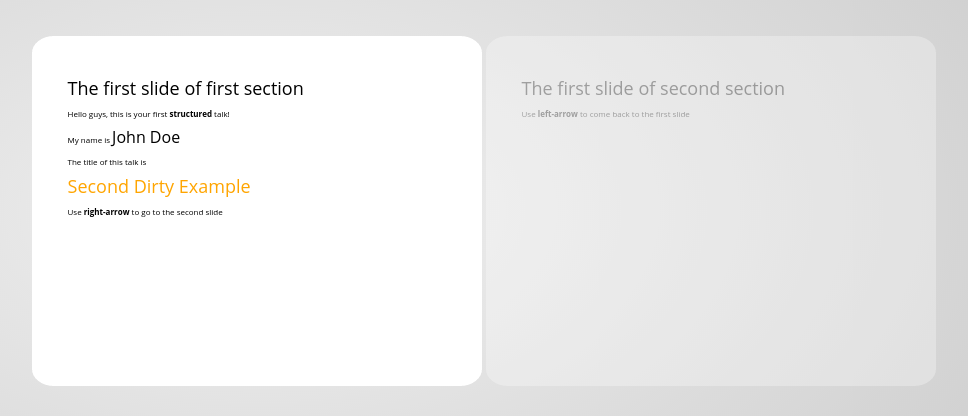
Summary of findings.Output preview:
Two-column layout
#### Comparison

$box
style: width:48%;float:left;
## Approach A
- Fast convergence
- Low memory
$endbox

$box
style: width:48%;float:right;
## Approach B
- Higher accuracy
- More complex
$endbox
Mathematical physics
---
title: Quantum Mechanics
---

# Wave Functions

## Schrödinger Equation

$$i\hbar \frac{\partial}{\partial t}\Psi = \hat{H}\Psi$$

## Harmonic Oscillator

Energy eigenvalues:

$$E_n = \hbar\omega\left(n + \frac{1}{2}\right)$$

#### Wavefunctions

$$\psi_n(x) = \left(\frac{m\omega}{\pi\hbar}\right)^{1/4}
              \frac{1}{\sqrt{2^n n!}} H_n(\xi)\, e^{-\xi^2/2}$$

where $\xi = \sqrt{\dfrac{m\omega}{\hbar}}\,x$.
Code documentation talk
---
title: Code Documentation Example
---

# Function Reference

#### hello_world()

```python
def hello_world(name: str) -> None:
    """Print a greeting."""
    print(f"Hello, {name}!")
Usage:
hello_world("World") # Hello, World!
## Conference talk with acknowledgements
```markdown
---
title: Machine Learning with Physics
subtitle: A Tutorial
authors: Your Name
affiliation: Department of Theoretical Physics
date: Today
---
$titlepage
# Motivation
#### Why ML?
Deep learning has transformed scientific computing.
## Methods
#### Neural Networks
$$\mathcal{L} = -\sum_i \log(\sigma(z_i))$$
#### Optimisation
Gradient descent:
$$\theta_{t+1} = \theta_t - \alpha \nabla \mathcal{L}$$
## Results

## Conclusion
Summary.Common pitfalls
| Pitfall | Fix |
|---|---|
Using #, ##, ### for content | Use #### through ###### for slide content headings |
Forgetting #### slide titles | Every #### starts a new slide |
| Display math not rendering | Use $$...$$, not single $...$ |
| Images missing after build | Use paths relative to the source .md file |
| Slow MathJax loading | Use --offline to bundle MathJax locally |